 cagatayuresin
Keel for Kubernetes: Simple Automated Deployments from Your Registry
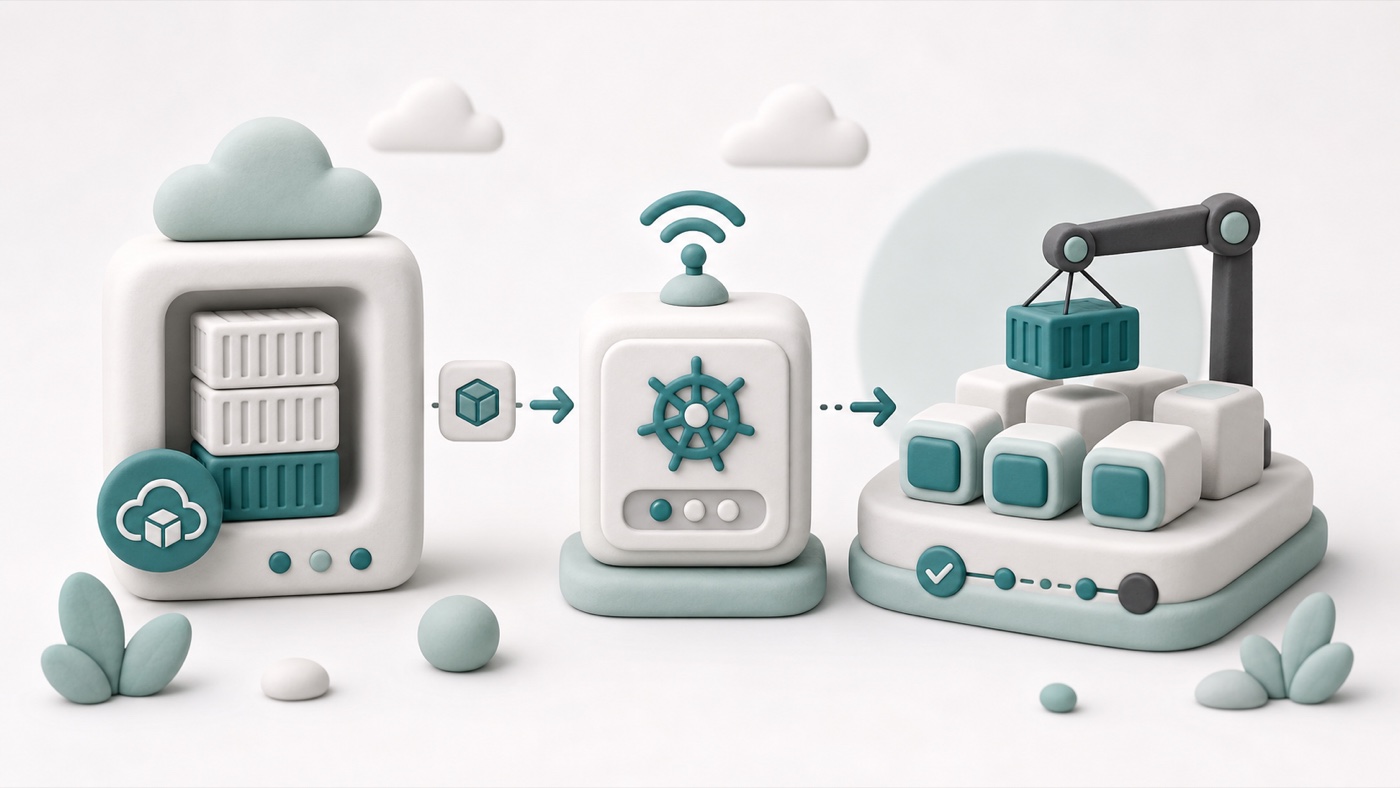
Keel is a small Kubernetes operator that automates deployments when a container image changes. Instead of manually running kubectl rollout restart, editing a manifest, or waiting for a larger GitOps controller to reconcile a change, Keel watches your image source and updates the workload for you.
In practical terms, Keel answers a simple question:
A new image has been pushed. Should the Kubernetes workload using that image be updated automatically?
For many personal projects, internal tools, staging environments, and lightweight production services, the answer can be yes. Keel gives you a controlled way to make that happen without building a full release platform around every small service.
What is Keel?
Keel is an open-source Kubernetes deployment automation tool. It runs inside your cluster and watches for new container image versions through registry polling, webhooks, or other triggers. When it detects a new image that matches your policy, it updates the relevant Kubernetes resource.
The most common use case is simple:
- You push code to GitHub.
- CI builds a Docker image.
- CI pushes the image to a registry such as GHCR, Docker Hub, Harbor, or GitLab Container Registry.
- Keel detects the new image.
- Keel updates the Kubernetes Deployment that uses that image.
- Kubernetes performs the rollout.
That makes Keel especially useful when you want continuous deployment behavior without giving your CI system direct access to the Kubernetes API.
What problem does Keel solve?
Deploying a container to Kubernetes usually has two separate steps:
- build and push the image
- update the workload so the cluster uses the new image
The first part is easy to automate with GitHub Actions, GitLab CI, Jenkins, or any other CI system. The second part is where teams often make a security or complexity trade-off.
One option is to store a kubeconfig or service account token in CI and let the pipeline run kubectl set image. That works, but it gives an external system credentials that can mutate the cluster.
Another option is to use a full GitOps workflow with Argo CD or Flux. That is often the best long-term approach for larger systems, but it also means you need write-back automation, manifest updates, reconciliation rules, and more moving parts.
Keel sits in the middle. It runs inside Kubernetes, watches the registry from inside the cluster, and updates workloads according to annotations and policies. CI only needs permission to push an image. It does not need cluster access.
How Keel works
Keel is configured mostly through annotations on Kubernetes resources. A Deployment can tell Keel what update policy to use, what trigger to listen for, and how often to check the image registry.
A minimal example looks like this:
apiVersion: apps/v1
kind: Deployment
metadata:
  name: portfolio
  annotations:
    keel.sh/policy: force
    keel.sh/trigger: poll
    keel.sh/pollSchedule: "@every 1m"
    keel.sh/match-tag: "true"
spec:
  template:
    spec:
      containers:
        - name: portfolio
          image: ghcr.io/cagatayuresin/portfolio:latest
This tells Keel to poll the image registry every minute. If the digest behind the latest tag changes, Keel updates the Deployment and Kubernetes rolls out the new image.
The key detail is the digest. Even if the tag stays the same, the registry can point that tag to a new image digest after every push. With keel.sh/match-tag: "true", Keel can keep watching the same tag and react when its content changes.
Common Keel update policies
Keel supports different update policies depending on how much control you want.
force
The force policy updates the workload whenever a matching image change is detected. This is useful for simple continuous deployment flows where CI always pushes a known tag such as latest, main, or an environment-specific tag.
It is direct and predictable:
- CI builds the image.
- CI pushes the image.
- Keel notices the change.
- Kubernetes rolls out the new version.
For small services, this is often enough.
Semantic version policies
Keel can also work with semantic versioning, such as patch, minor, or major update rules. This is useful when you publish versioned image tags like 1.4.2 and want the cluster to update only within a specific version range.
That approach is better when you need a stronger release boundary. For example, automatically applying patch updates can be reasonable, while major upgrades might require review.
Why use Keel instead of deploying from CI?
The main reason is security boundary design.
If CI deploys directly, CI needs Kubernetes credentials. That means a token exists outside the cluster. If the CI environment is compromised, the cluster can be modified from the outside.
With Keel, CI only pushes container images. Keel runs inside the cluster and performs the update from there. This keeps deployment authority close to Kubernetes and avoids exposing kubeconfig files or API tokens to a third-party CI system.
This model is especially attractive for private servers and homelab-style production environments where the Kubernetes API should not be reachable from the public internet.
Why use Keel instead of Argo CD Image Updater?
Argo CD Image Updater is a strong choice when you already use Argo CD and want image changes written back to Git. It preserves Git as the single source of truth, which is important for auditability and larger platform teams.
Keel is simpler. It does not require a full GitOps setup. It can update workloads directly based on registry state. That simplicity is its main advantage and its main trade-off.
Use Keel when:
- you want lightweight automated deployments
- CI should not have Kubernetes credentials
- direct workload updates are acceptable
- the service is small enough that Git write-back is not required
- you prefer fewer moving parts
Use a full GitOps image updater when:
- every deployment change must be committed to Git
- multiple teams need reviewable release history
- production promotion is controlled through pull requests
- you already operate Argo CD or Flux
Neither approach is universally better. They solve different operational problems.
A practical Keel deployment flow
A clean Keel-based deployment pipeline can look like this:
git push
  -> CI builds image
  -> CI pushes image to GHCR
  -> Keel polls the registry
  -> Keel sees a new digest
  -> Keel updates the Deployment
  -> Kubernetes rolls out the new Pod
This keeps the pipeline narrow. CI does not deploy. It only publishes an artifact. The cluster decides when to consume that artifact.
For a static Astro portfolio, for example, the Docker image can contain the generated dist/ output served by Nginx. Every push to main builds a new image and pushes it to GHCR. Keel notices the digest change and updates the Deployment in K3s.
Private registries and image pull secrets
If your image is private, Kubernetes needs an imagePullSecret so Pods can pull from the registry. Keel can usually reuse the same registry access path as the workload, depending on your setup.
For GHCR, a secret might look like this:
kubectl create secret docker-registry ghcr-secret \
  --namespace portfolio \
  --docker-server=ghcr.io \
  --docker-username=<github-user> \
  --docker-password=<github-token>
Then the Deployment references it:
spec:
  template:
    spec:
      imagePullSecrets:
        - name: ghcr-secret
The important rule is simple: do not commit registry credentials to Git. Create the secret directly in the cluster or manage it through a sealed-secret or external-secret workflow.
Operational considerations
Keel is simple, but it still changes production workloads. Treat it with the same care as any deployment automation.
Use clear image tagging
If you use mutable tags like latest, make sure everyone understands that a tag can point to a new digest at any time. Mutable tags are convenient, but they reduce historical clarity.
For stricter environments, use immutable commit SHA tags and semantic version policies.
Keep rollbacks in mind
Kubernetes can roll back a Deployment, but your image tagging strategy affects how easy that rollback is. Keep commit SHA tags or release tags available even if Keel watches a mutable tag for automation.
Watch resource limits and health checks
Keel triggers the update, but Kubernetes handles the rollout. Readiness probes, liveness probes, resource requests, and resource limits still matter. If the new Pod is unhealthy, Kubernetes needs enough information to prevent bad traffic from reaching it.
Start with non-critical services
Before using Keel for production-critical systems, test it on a small internal service. Confirm how it behaves with your registry, your image tags, your rollout strategy, and your alerting setup.
When Keel is a good fit
Keel is a good fit when you want fast, low-friction automated deployments in Kubernetes without giving CI direct cluster credentials.
It works especially well for:
- personal production projects
- homelab and small K3s clusters
- staging environments
- internal tools
- static sites packaged as containers
- small teams that prefer direct automation over a larger GitOps workflow
It is less ideal when every deployment must be represented as a Git commit, reviewed through pull requests, and promoted through multiple environments. In those cases, Argo CD, Flux, or a GitOps image updater is a better architectural fit.
Conclusion
Keel is a pragmatic tool. It does not try to be a full platform. It focuses on one useful job: detect new images and update Kubernetes workloads according to policy.
For small Kubernetes deployments, that can be exactly what you need. CI builds the artifact, the registry stores it, Keel watches for changes, and Kubernetes performs the rollout. The result is an automated deployment path that is simple, secure enough for many real-world projects, and easy to reason about.
If your goal is to keep Kubernetes private, avoid kubeconfig secrets in CI, and still deploy automatically after every successful image build, Keel is worth considering.